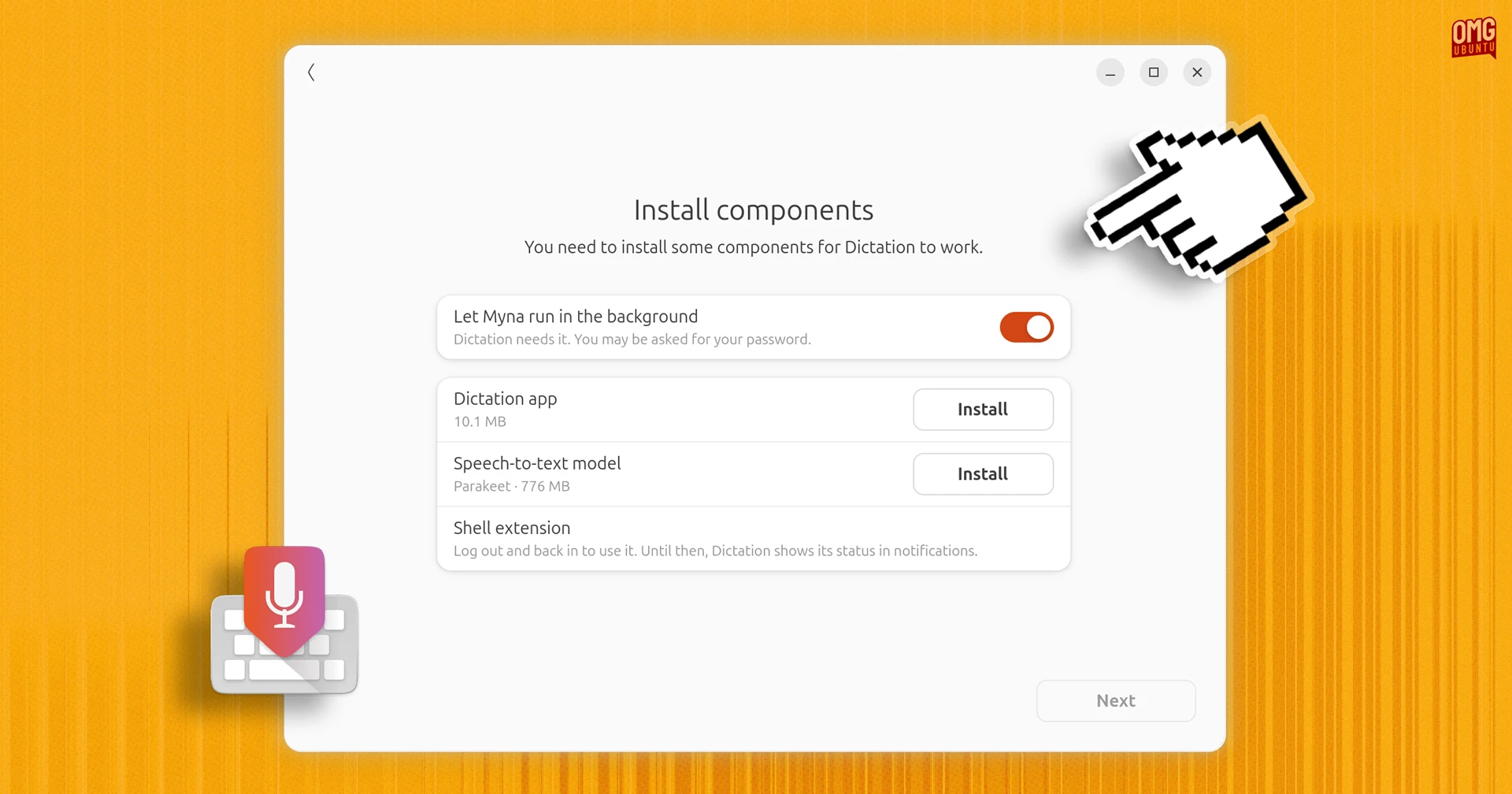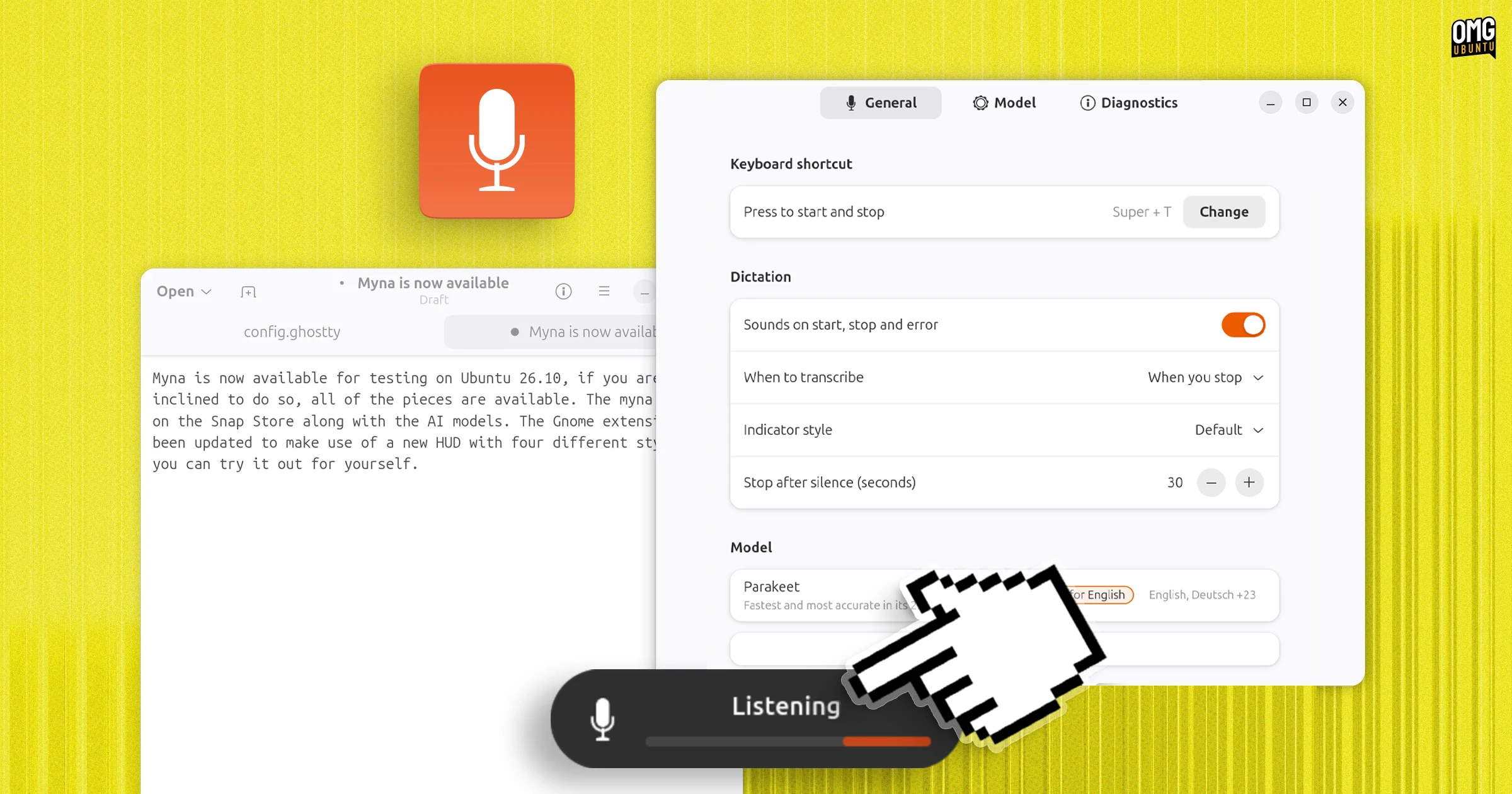
Canonical has announced that Myna, its new AI-powered speech-to-text tool for Ubuntu desktop, is now available to install as a technology preview.
Myna uses a local automatic speech recognition (ASR) AI model so you can dictate into any text field on your desktop, be it a word processor, web browser, the GNOME Shell search box or even into the terminal.
The feature is available to test on Ubuntu 24.04 LTS, 26.04 LTS and 26.10, though only if using the default GNOME desktop with Wayland. Canonical plans to add support for other desktop environments in later releases.
Canonical’s Jean Baptiste Lallement says that while it is “still early days” for the feature, it is now “ready for the community to try”.
It’s composed of the main Myna orchestrator snap (myna), a GUI setup tool (myna-config) and an AI model installed as a snap. You assign a keyboard shortcut and press it when text field is focused, talk, press it when you’re done, and the text appears.
All audio is processed in memory, before being junked – nothing is stashed, stored or sent away to train anything.
If the target field loses focus because you click away or another app opens in the way, your wittering is lost, rather than accidentally ending up pasted into a box you might not have intended.
For the technology preview there are a choice of 3 open-weight voice-to-text models: Nvidia’s Parakeet, OpenAI’s Whisper and Alibaba’s Funasr. Some can run the CPU, others can use GPU, some are better at non-English languages, and so on.
Help test and improve it
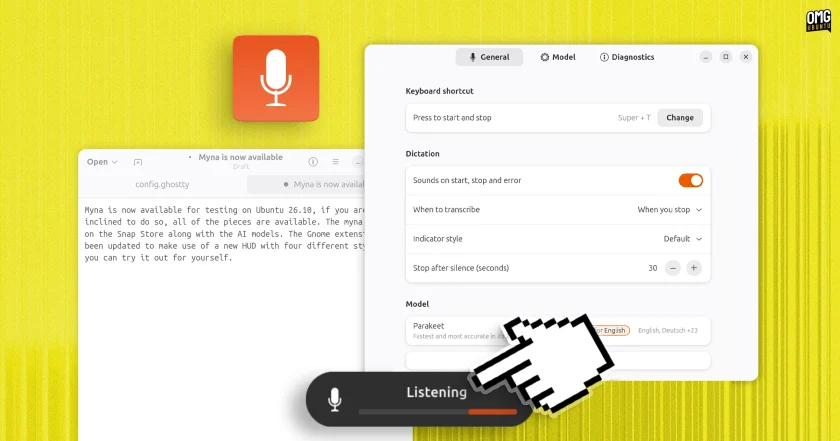
Myna is triggered by a hotkey
I’ve been tracking Myna’s development since its announcement back in June. I shared an early hands-on video of it in action in August, and showed you how to install Myna in September, in advance of today’s tech preview.
The steps in my Myna install guide still apply, so if you want to try it out, check that post out.
Is Myna any good? Yes – it works surprisingly well. It’s not as clever as Rambler, Google’s cloud-based STT tech for Android and its Googlebook laptops, but Myna runs entirely on-device, no audio is punted anywhere, and it’s entirely native to Ubuntu.
But stable it isn’t; Canonical say it is under active development and features may change, break or evolve in the coming months, more transcription models will be made available.
If you try it out, be sure to share your thoughts on how well it works.
Could Myna become more than just a dictation tool? It’s not a voice assistant right now, but the idea of pressing a hot key (as on macOS with Siri) to ask it do things sounds plausible – some might say inevitable.
 Instagram Engineering
 Shopify Engineering