A new version of Sublime Text is out – the first major update to the cross-platform (and closed-source) text editor since May 2025.
Sublime Text v4213 makes Python 3.14 the default (replacing v3.8). The editor still ships Python 3.3 – ancient as it is – but disabled by default. It will be removed in a future update, but sticks around a little longer incase of plugin compatibility issues.
New features in this update includes a rewritten C# syntax highlighter, alongside more general, if unspecified, ‘improvements’ to syntax highlighting.
Sublime Text also introduces support for file icon themes. These let users customise the tiny icons that show next to files in the sidebar, defined via a .json file that maps file extensions to the name of PNG files contained within a package folder.
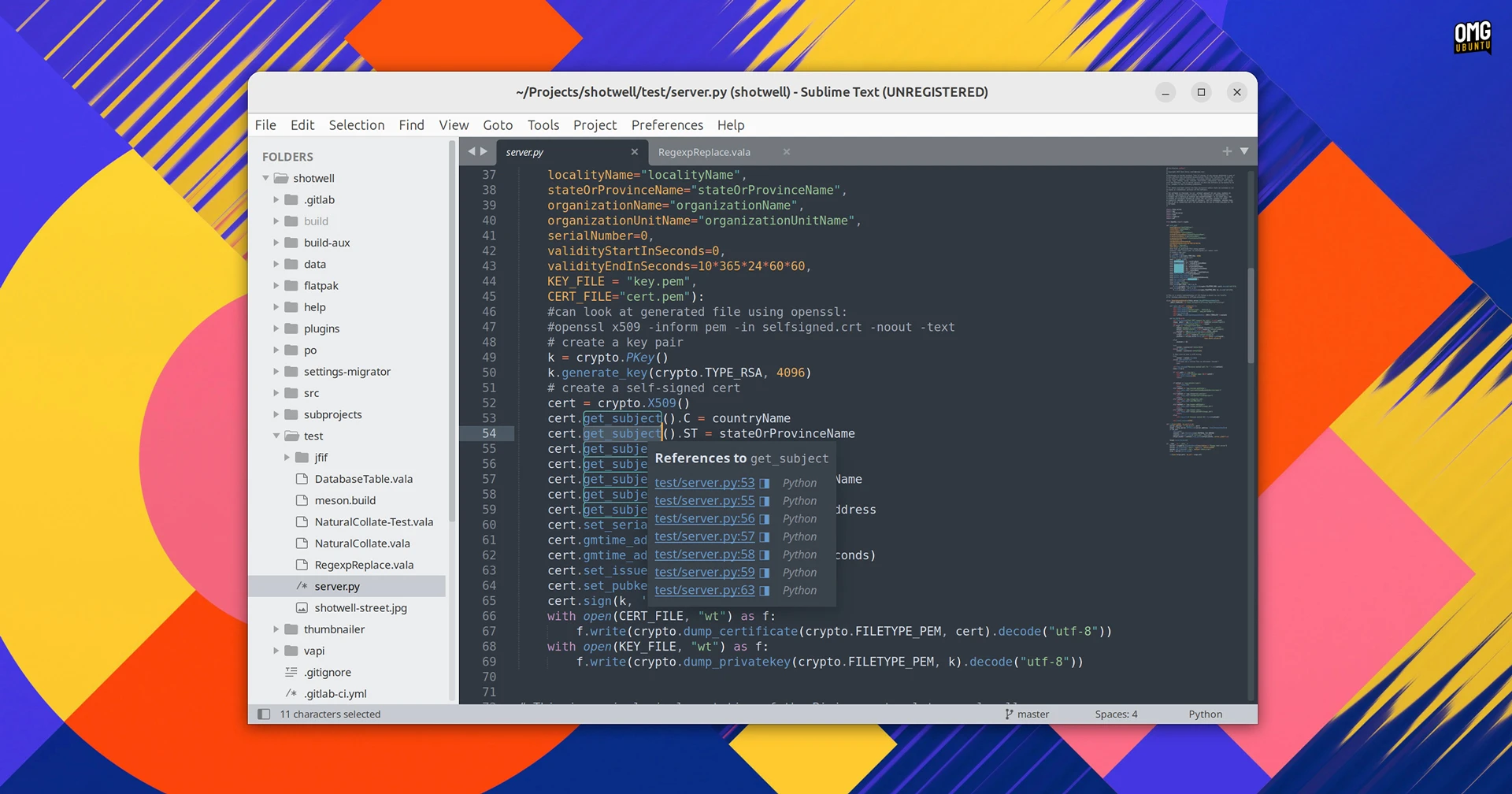
Sublime Text v4213 running on Ubuntu
Other changes include a new open_terminal command to launch an external terminal emulator, scope selectors can use > to match child scopes and if a file gets changed on disk outside of Sublime, the file’s undo/redo history is no longer restored.
Saving large numbers of files is said to be faster, as is git status. Issues dragging tabs with tab scrolling trend on was improved and fuzzy matching sorts better in certain cases. Joining lines with ctrl + J closes brackets more cleanly, too.
Other changes in Sublime Text v4213:
- Git reftables support
- Better ruler position when using proportional fonts
- New “io_workers” setting
Fixes feature for all platforms Sublime Text.
Among issues addressed in this update is an issue where closing a project could, in some cases, corrupt a workspace file, find-in-files not searching for folders starting with a dot, the caret vanishing when clicking off inline diffs and assorted quirks with the sidebar.
A slate of Linux-specific fixes, including the following:
- Modal dialogs no longer block all open windows
- Drag state no longer gets stuck after dragging text from Chrome
- Selection clipboard sets correctly when multiple sheets are selected
- Modifier keys no longer persist after closing a window
- KDE’s “alternate characters” input method works
- Tab dragging under Wayland no longer triggers an unintended air-drop
- Sublime now respects
PATH when looking up pkexec and gksudo
For more details see the release announcement.
Ways to install Sublime Text on Ubuntu
You can download Sublime Text from its official website, which provides installers for Windows, macOS and Linux – a DEB, as well as an optional APT repo.
Linux users can also get Sublime Text on the Snap Store, though it is an unofficial package maintained by the Snapcrafters team:
sudo snap install sublime-text --classic
A reminder that Sublime Text is a proprietary text editor that, in theory, requires a paid license to use. However, it can be used without any real restrictions from free. Those who love or rely on it may want to buy a license key to support its continued existence.
Why pay for a text editor at all? Many (terrific) free and open-source text editors do exist, and like opinions, everyone thinks theirs is the “right” one.
But choice is a two-way street. People like what they know, and many developers working across OSes and devices like being able to use their preferred one. Sublime Text isn’t trendy and lacks AI integrations, but to faithful users, it’s fast and familiar.
 Instagram Engineering
 Shopify Engineering