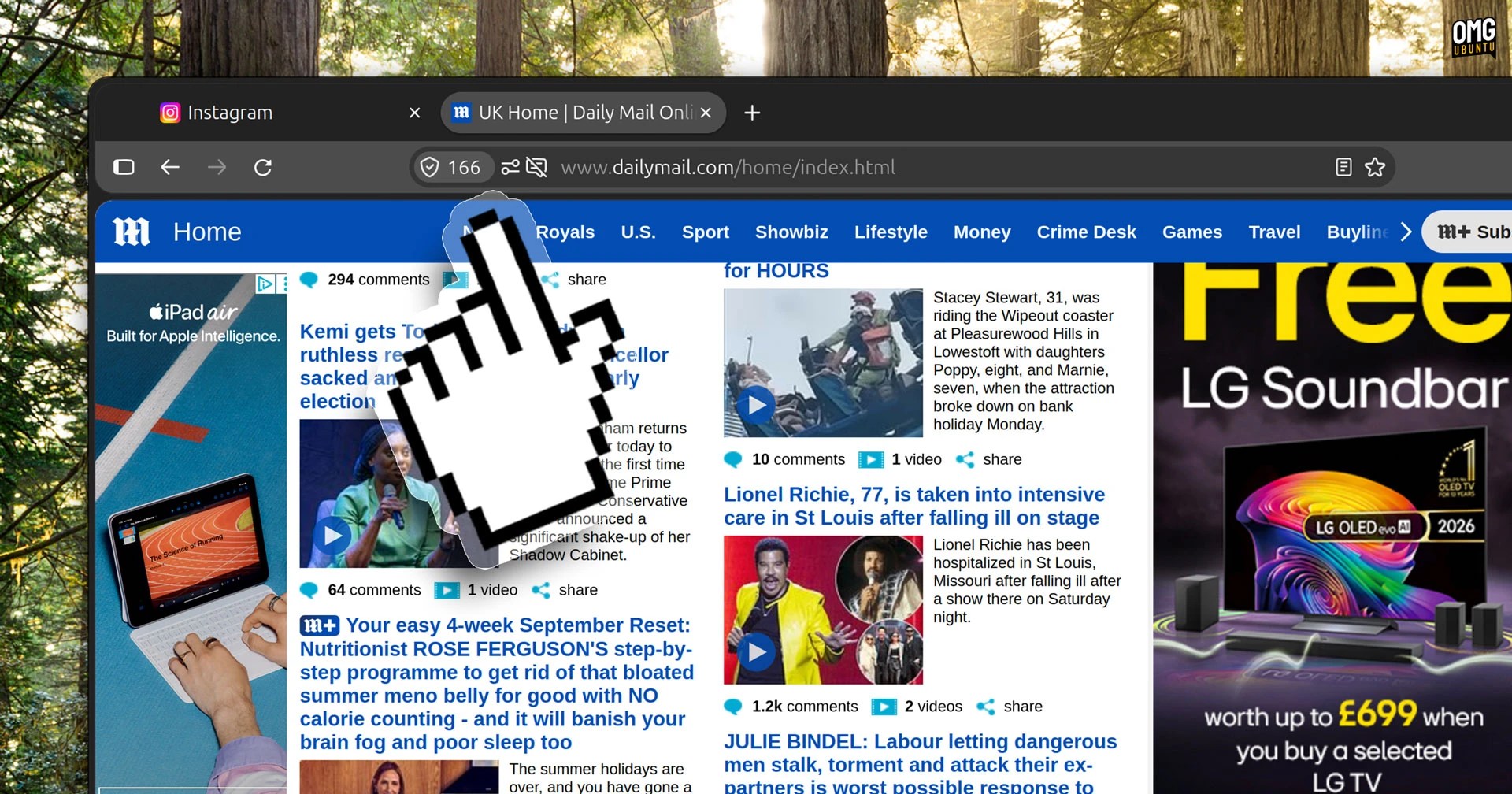
Firefox 155 is out, the first to arrive as part of the browser’s new twice-monthly release schedule.
This update brings Firefox’s AI-powered Smart Window browsing mode to users in the USA, Canada and France. It’s opt-in (for now), requires a Mozilla account and is powered by a choice of AI model from Alibaba, OpenAI and Google.
For those already using Smart Window, v155 has new ways to get you to chat more (“personalised resume conversation starters”), the assistant got faster at responding with Exa web search citations and Organise Tabs is better at grouping related tabs.
If none of that floats your boat, but you’re in a location where the Smart Window button appears in the window frame, you can remove it by disabling AI features in Firefox. Peace! Well, until you visit search engines, social media, shopping sites…
Everyone has AI integrations demanding fealty and attention these days.
Firefox 155’s smaller changes

Blocked tracker counts appear in the address bar
The address bar in Firefox 155 now gives you a heads-up on how many trackers it’s blocked while you browse. A count appears in the shield icon directly. This, Mozilla say, lets you see it’s “built in privacy protections” are working as you browse.
If you don’t see it, don’t fret; it’s one of those blasted ‘progressive rollout’ features that not everyone gets at once (and some people don’t get for months). When it is there, if the animated counter bothers you Mozilla say you can hide it (but doesn’t detail how).
You can reorder containers – a feature “introduced” in Firefox 153 – from the browser’s Settings page. Your preferred order is reflected wherever containers are listed, which is mainly context menus.

Reorder containers and translate more languages, including Urdu
Urdu and Marathi languages are supported by Firefox’s built-in private translations tool, and smaller PDFs can now be scaled above 100% to print the full size of a page (something other browsers, including Microsoft Edge, already did).
On Linux, Firefox had been stopping systems from sleeping after a long browsing session, so that’s been resolved. So too has an issue with text disappearing in Microsoft 365 Word Online and web apps on Linux (though it only ever affected some keyboard layouts).
Using Firefox on Windows? The Nintendo Switch Pro and similar third-party controllers now work in web games – everything mapped, ready to use. Mozilla’s work with Nvidia to support GeForce NOW support in the browser is paying off.
- Captive portal detection domain moved to firefox-portal-detection.com
- Restricts
mailto: link triggers to explicit user interaction
- CSS block and function nesting limited to 75 levels to prevent crashes
- CSS
attr() now works on all properties
Promise.allKeyed resolves keyed objects of promises directlyalpha() function tweaks any colour’s opacity inline::-webkit-scrollbar restricted to a small allowlist of sites- JSON Viewer supports JSON Lines documents
- DevTools can now emulate prefers-reduced-motion pref
- Fix to allow copying direct messages on X and comments on YouTube
Plus more besides – the usual grab bag of fixes-for-bugs-you-didn’t-know-about, web combat bumps and, more importantly, a fresh set of security patches to keep browsing activity safe.
Upgrade to Firefox 155
Firefox 155 is available to download from today (Tuesday, 1 September) from the Firefox website or the Mozilla FTP (if you fancy going direct).
Existing user? You can update in-app on Windows and macOS, or if on Linux if you use the Firefox binary. Otherwise, wait the update to land through your software manager or store.
Ubuntu users will get this update as an automatic background update via the Snap Store, so there’s nothing to look out for – a notification will prompt you to restart once it’s ready.
 Instagram Engineering
 Shopify Engineering