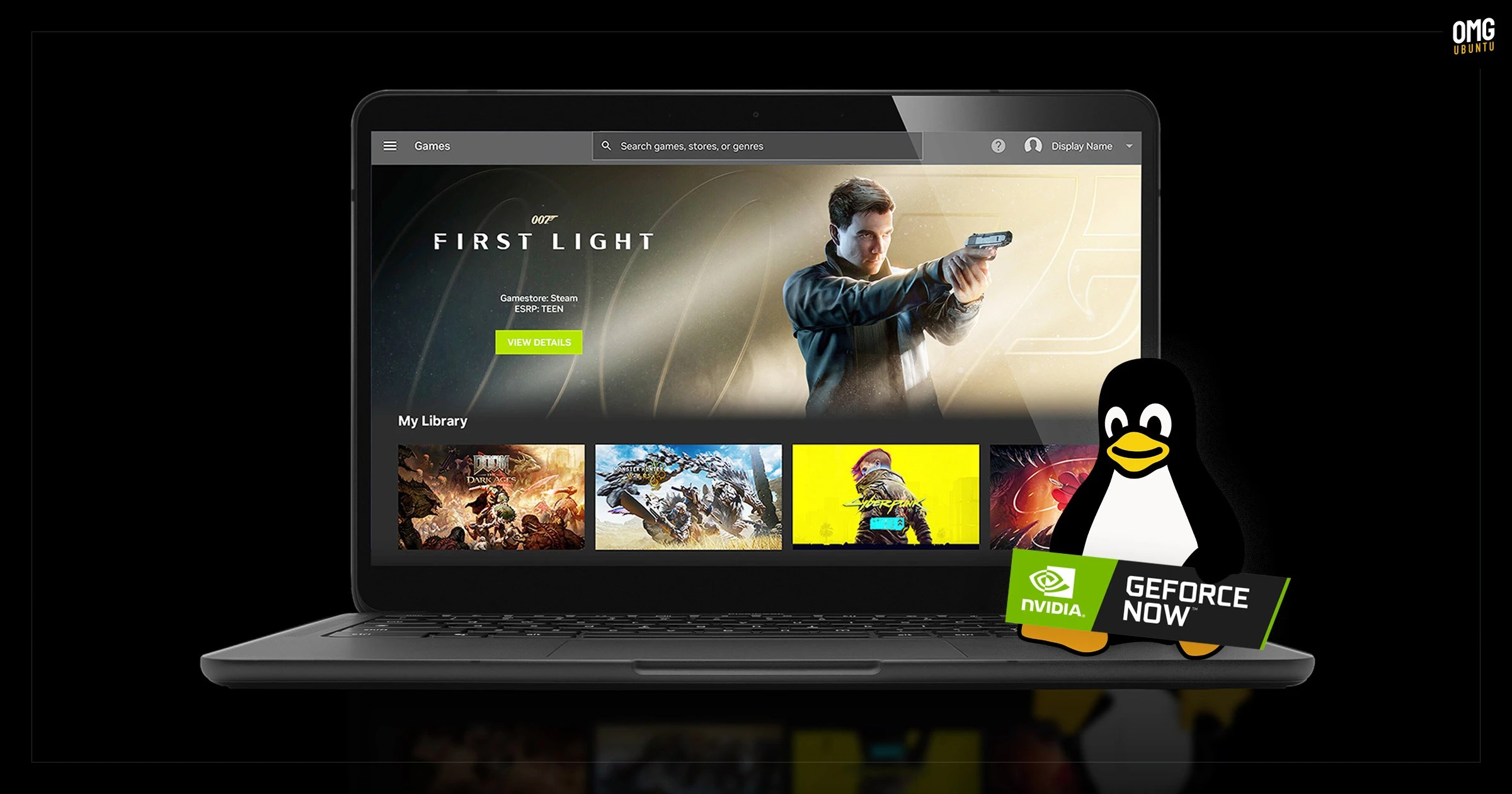
GeForce NOW’s native Linux app has exited beta after seven months of testing, with official support for Ubuntu 24.04 LTS and later.
The app is a frontend for Nvidia’s game streaming service, with more than 4,500 PC titles running in the cloud on Nvidia servers. Users get GeForce RTX-class performance, ray tracing and DLSS without the need to own the relevant hardware.
In a blog post to announce its ‘graduation’ from beta, Nvidia say GeForce NOW for Linux has picked up “performance, stability and polish” improvements thanks to community feedback during the beta test period.
The company also touches on some general cloud-side changes to the service that benefit users on all platforms. This includes optimisations to DLSS Frame Generation, which Nvidia says make streamed gameplay feel more responsive locally, even at 60 and 120fps.
GeForce NOW can be used for free on an ad-supported tier, albeit with gameplay, access and performance limits (only 2000 titles, no ray tracing, 1 hour gameplay limit, 1080p max, etc). Paid subscription tiers offer more games, generous limits, better performance, etc.
Easier to install GeForce NOW on Linux
The GeForce NOW Linux app supports Ubuntu 24.04 LTS and later. Nvidia’s website provides the app as a .bin file, which you make executable and run to install.
If that sounds messy, Nvidia has set up a dedicated Flatpak repo that makes it easier to install GeForce NOW for Linux and keep it updated.
If you use Flatpak on Ubuntu, add the GeForce NOW Flatpak repo via your terminal:
flatpak remote-add --user --if-not-exists GeForceNOW https://international.download.nvidia.com/GFNLinux/flatpak/geforcenow.flatpakrepo
Then install the client itself:
flatpak install --user GeForceNOW com.nvidia.geforcenow
Once installed, launch it from your desktop’s application launcher.
Do read over the Linux system requirements before trying it out, though. Most modern systems should handle it fine, but Nvidia GPU users are advised to log in to an Xorg session to run the app – not possible on Ubuntu 26.04 LTS using the standard GNOME desktop.
 Instagram Engineering
 Shopify Engineering