Ollama now supports image generation on macOS, with Windows and Linux coming soon.
ollama run x/z-image-turbo "your prompt"
Images save to your current directory. Terminals that support image rendering (Ghostty, iTerm2, etc.) can preview images directly inline.
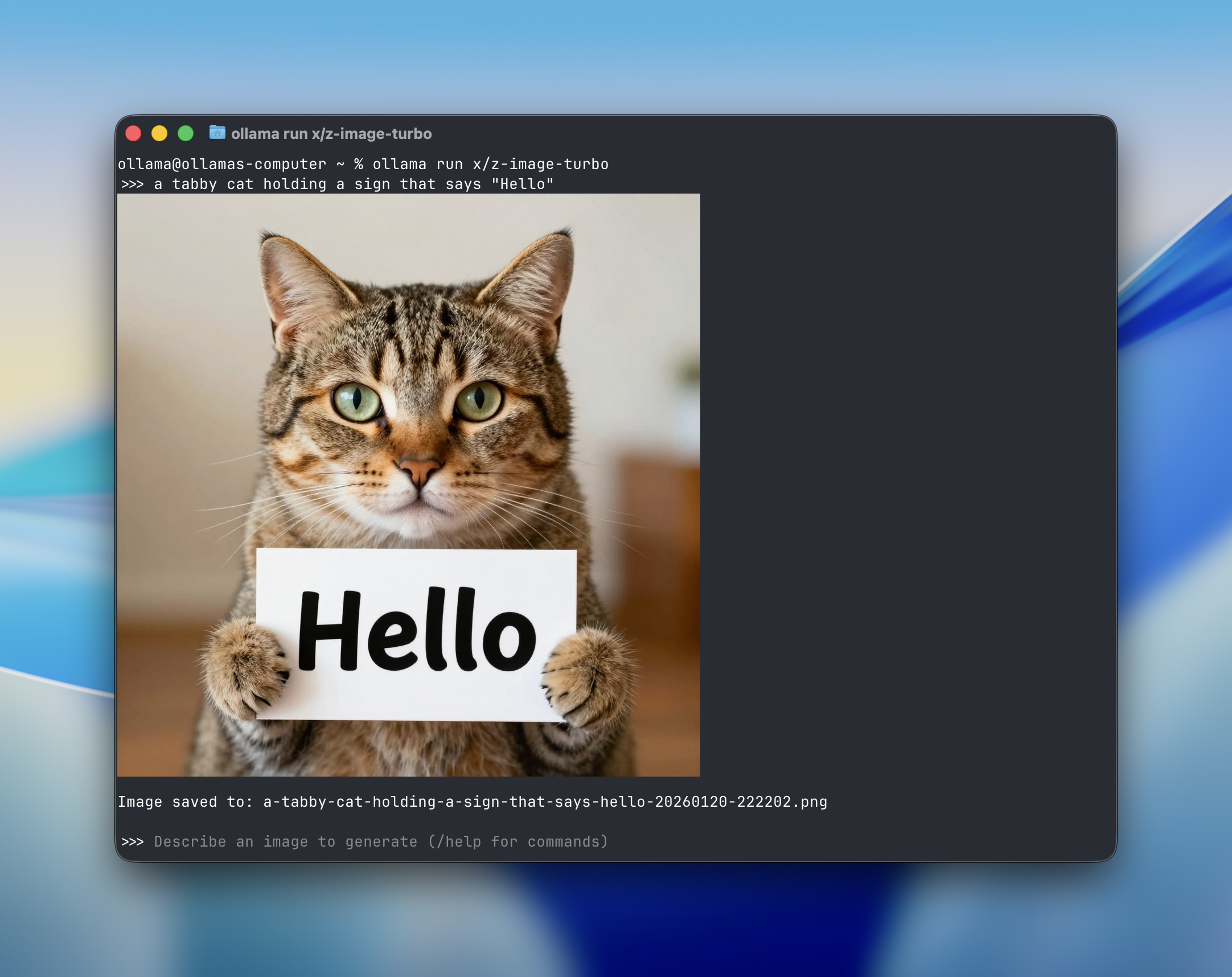
Models
ollama run x/z-image-turbo
Z-Image Turbo is a 6 billion parameter text-to-image model from Alibaba’s Tongyi Lab. It generates photorealistic images and handles bilingual text rendering in both English and Chinese.
- Photorealistic output: Strong at generating realistic photographs, portraits, and scenes
- Bilingual text rendering: Accurately renders both English and Chinese text in images
- Apache 2.0: Open weights available for commercial use
Examples
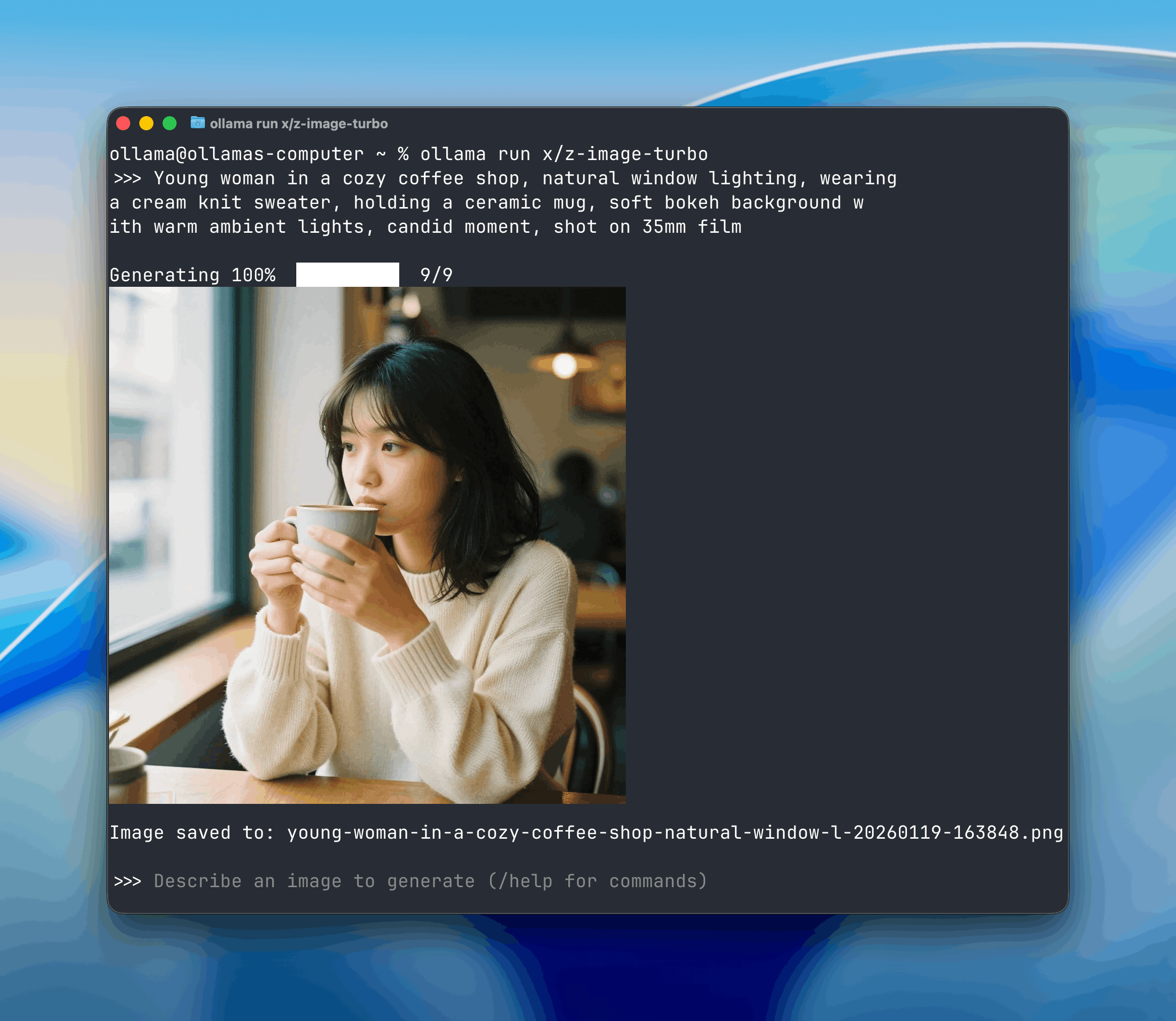
Photorealistic portraits:
Young woman in a cozy coffee shop, natural window lighting, wearing a cream knit sweater, holding a ceramic mug, soft bokeh background with warm ambient lights, candid moment, shot on 35mm film
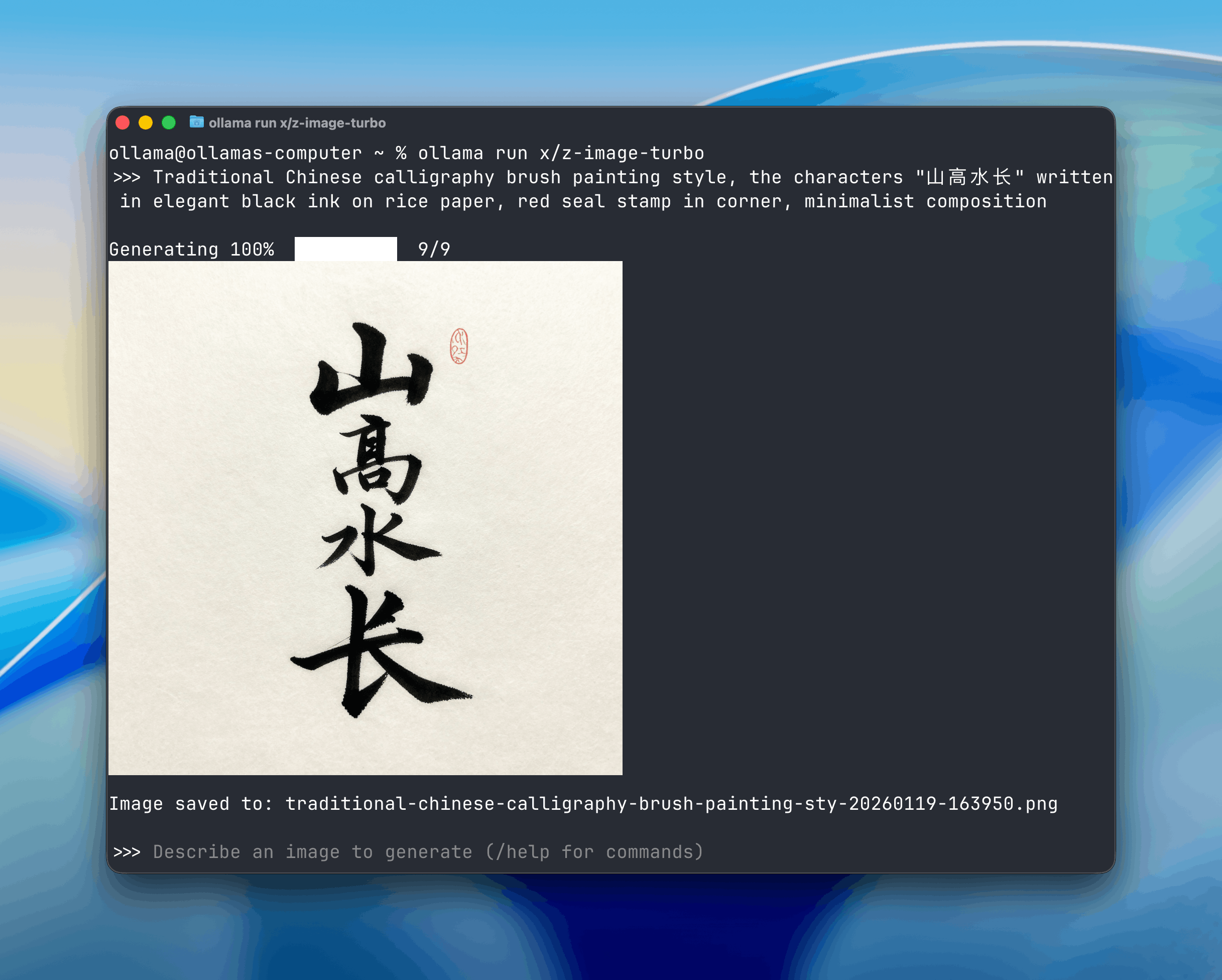
Chinese calligraphy:
Traditional Chinese calligraphy brush painting style, the characters "山高水长" written in elegant black ink on rice paper, red seal stamp in corner, minimalist composition
Creative composition:
Surreal double exposure portrait, woman's silhouette filled with blooming cherry blossom trees, soft pink and white petals floating, dreamy ethereal atmosphere
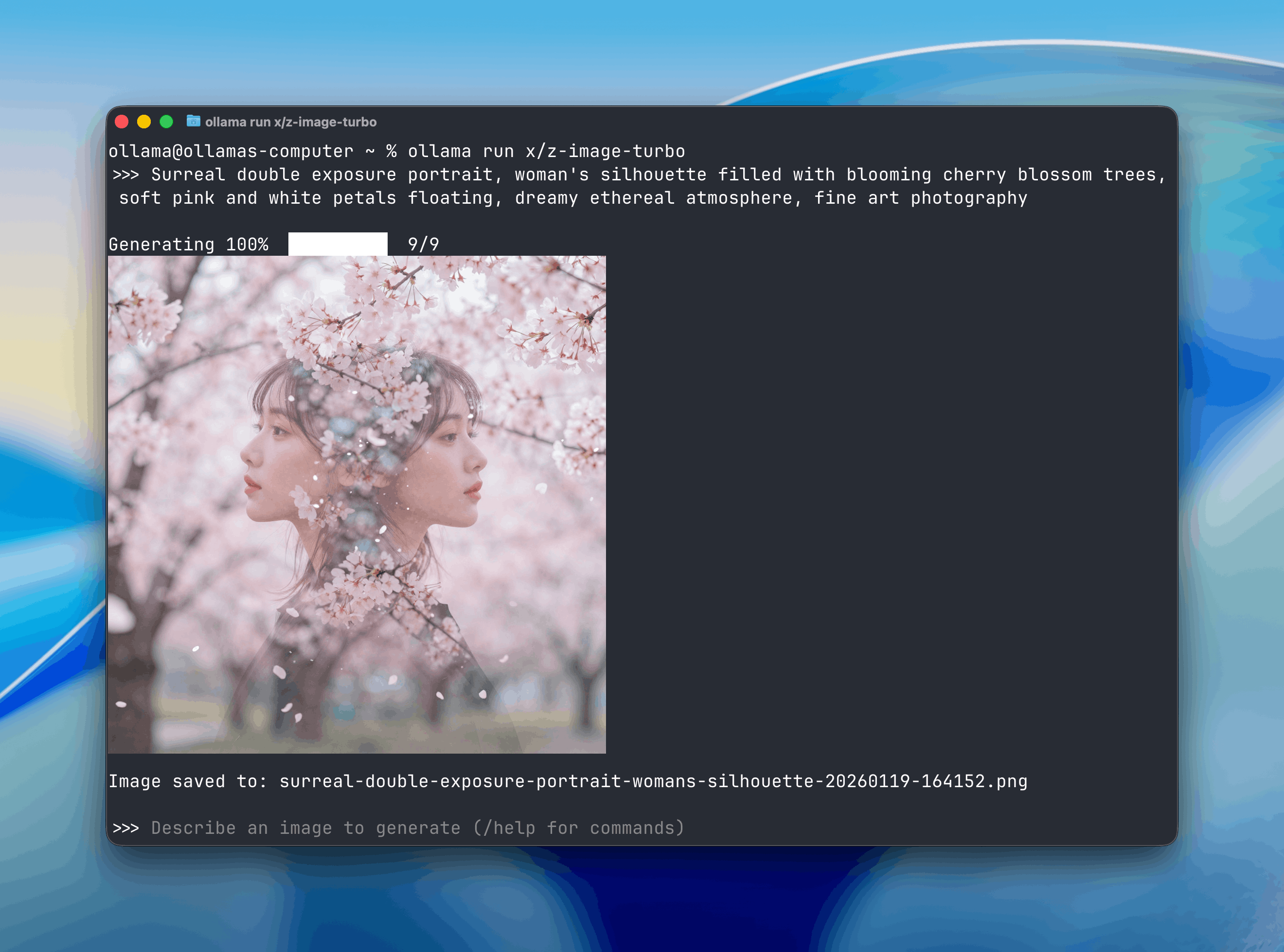
Z-image turbo model page
Black Forest Labs’ fastest image-generation model to date, available in 4B and 9B parameter sizes.
FLUX.2 Klein handles readable text in images well, useful for UI mockups and designs with typography.
Examples
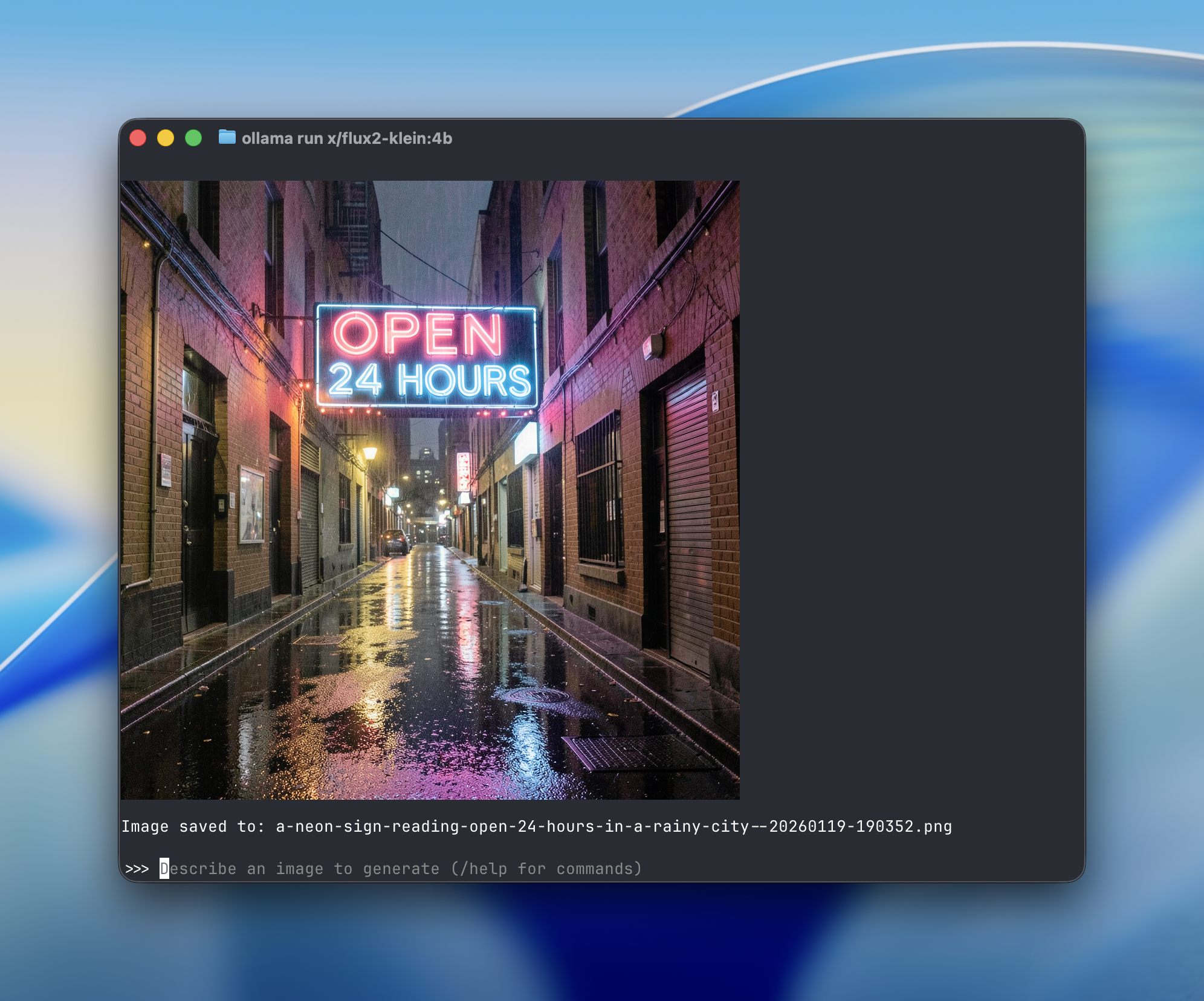
Text rendering:
A neon sign reading "OPEN 24 HOURS" in a rainy city alley at night, reflections on wet pavement
Product photography:
Matte black coffee tumbler on wooden desk, morning sunlight casting long shadows, steam rising, commercial product shot

FLUX.2 Klein model page
Configuration
Customize image generation with these parameters:

Image location
Generated images save to your current directory. Change directories in your terminal to save images elsewhere.
Image sizes
Modify width and height using the /set width and /set height commands. Smaller images generate faster and use less memory.
Number of steps
Steps control how many iterations the model runs. Fewer steps = faster but less detailed. Too many steps can cause artifacts. Ollama defaults to the recommended step count for each model.
Random seed
Set a seed for reproducible results, useful for iterating on a subject or sharing exact outputs. Different seeds produce different images, even with the same prompt.
Negative prompts
Negative prompts guide the model on what you don’t want in the image.
What’s next
- Windows and Linux support
- Additional image generation models, and image editing
 Instagram Engineering
 Shopify Engineering