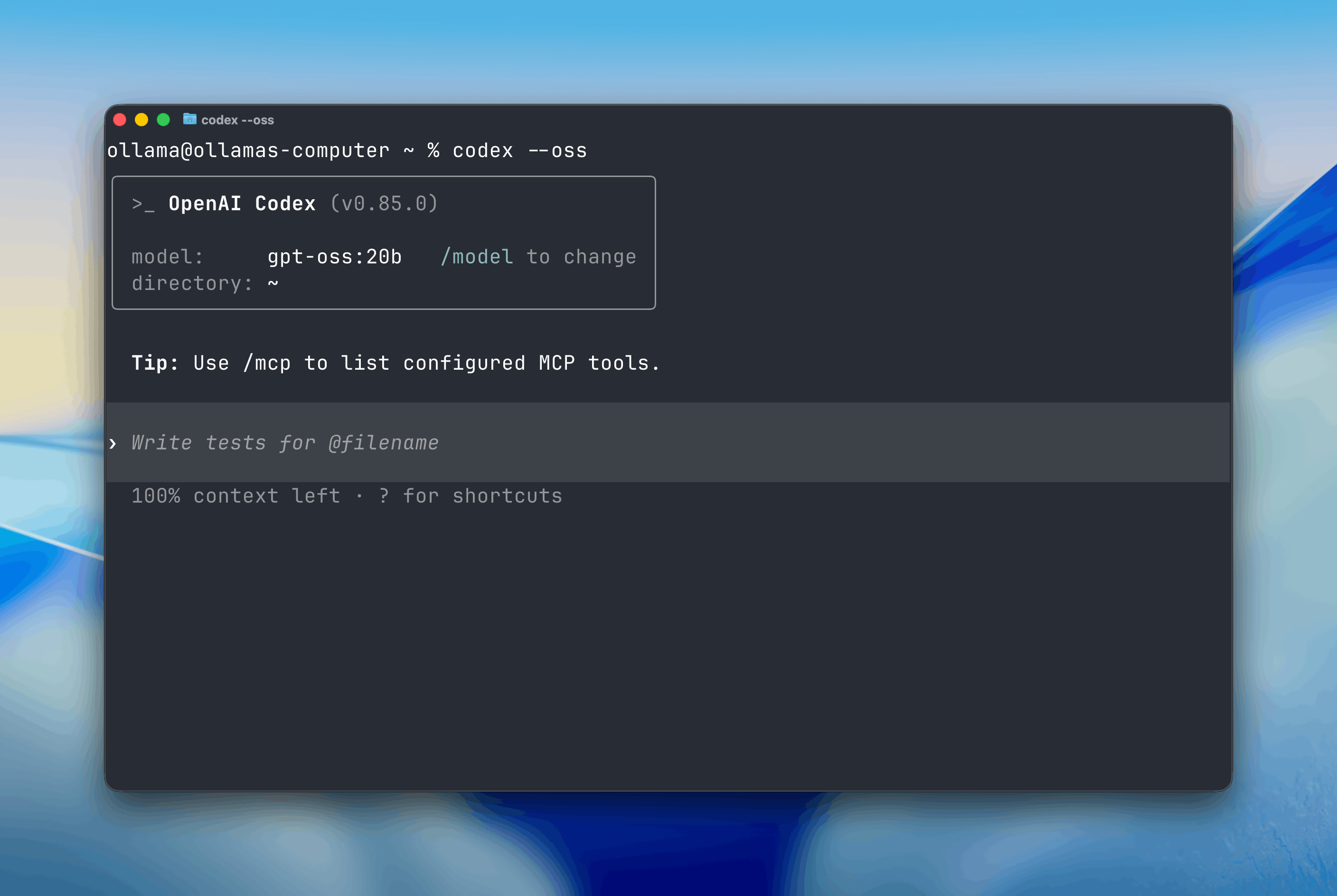
Open models can be used with OpenAI’s Codex CLI through Ollama. Codex can read, modify, and execute code in your working directory using models such as gpt-oss:20b, gpt-oss:120b, or other open-weight alternatives.

Install Codex CLI:
npm install -g @openai/codex
Start Codex with the --oss flag:
codex --oss
By default, Codex will use the local gpt-oss:20b model.
Note: Codex requires a large context window. We recommend at least 32K tokens. See the documentation for how to adjust context length in Ollama.
You can switch to a different model using the -m flag:
codex --oss -m gpt-oss:120b
All models on Ollama Cloud work with Codex.
codex --oss -m gpt-oss:120b-cloud
For more detailed setup instructions and configuration options, see the Codex integration guide.